
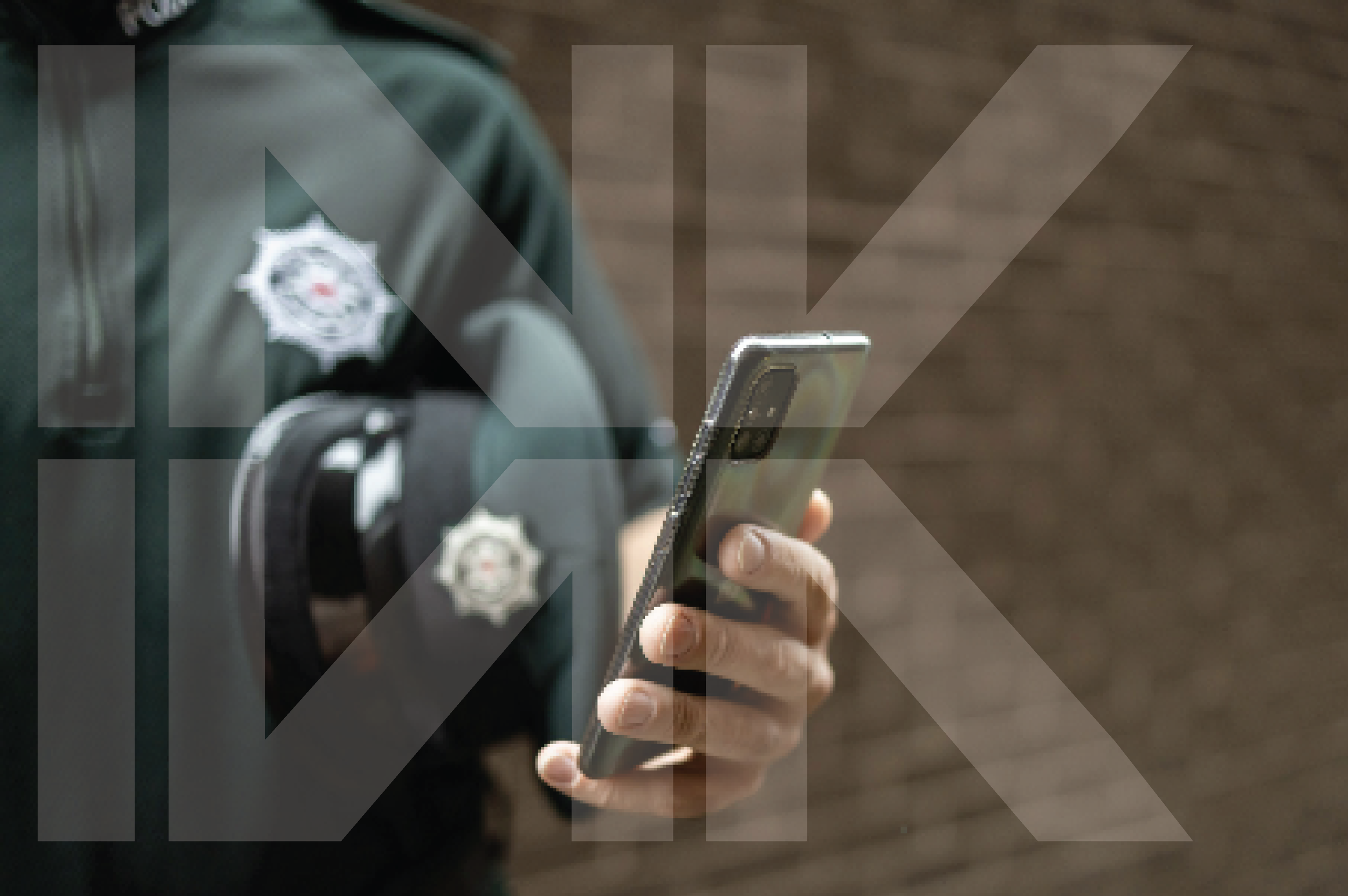
Secure Photo Capture for Law Enforcement
CAPTOR™ is the camera app of choice for law enforcement to capture evidence, record audio , and scan ID cards.
CAPTOR™ to Courtroom
CAPTOR™ enables police forces and other organizations tasked with investigative work to govern smartphone-based photo, video, and audio capture by operating fully within their existing managed device and security environment, closing the gap that occurs when standard phone cameras are used outside established digital evidence controls. CAPTOR supports police and other bluelight service use cases from “capture to courtroom”.
How CAPTOR Is Used

CAPTOR functions as a controlled camera application on managed smartphones. It operates inside the police force’s existing Unified Endpoint Management (UEM) environment, such as Microsoft Intune, Ivanti, or BlackBerry UEM. When an image or video is captured:
The content is encrypted at the moment of capture.
Metadata including time, date, location, device orientation, and authenticated username is applied automatically.
Watermarks and captions are added for context, protection, and provenance.
SHA-256 Hash is generated and included to rich comprehensive metadata.
Files are transferred directly into an existing force-approved secure repository.
Captured content does not appear in the device’s native photo gallery.
Operational and personal content remain separated.
This allows mobile evidence to be governed in line with other digital evidence sources, without changing frontline workflows.
Architecture and Control
CAPTOR does not introduce a standalone evidence system or cloud service. All security, compliance, and data-handling rules are defined and enforced by the police force’s existing UEM platform. Evidence flows directly from the managed device into infrastructure already controlled by the organisation. Device compliance, application controls, and data-sharing permissions always remain under force ownership. Captured content is never processed or stored on Inkscreen servers, and never leaves the customers’ custody.
CAPTOR should be understood as a controlled endpoint within the force’s established governance framework - not as an independent platform.
Jurisdictional Considerations
United Kingdom: In UK policing environments, CAPTOR supports evidence governance aligned with established digital evidence handling practices. Mobile captures can be governed in line with expectations under the Police and Criminal Evidence Act (PACE), using existing Microsoft (or other UEM) device management controls.

European Union: In EU policing environments, CAPTOR supports governed mobile evidence capture in line with national criminal procedure requirements and established law enforcement evidence-handling principles. Evidence remains within the force’s approved legal and technical framework and national jurisdiction.
USA: For departments in the United States, meets standards specified in the FBI Digital Evidence Policy Implementation Guide as well as state and local digital evidence requirements. Inkscreen was named Top Law Enforcement Solution Provider in 2022 by Gov CIO Outlook.
Sharing and Export Controls
Whether captured content can be shared externally is determined entirely by the policies configured by the police force within its UEM
platform. If sharing is restricted, export is technically blocked. If sharing is permitted, CAPTOR follows the organisation’s defined rules.
Use Within Law Enforcement
CAPTOR is in operational use with police agencies across Europe, supporting “capture to courtroom” use cases within managed environments.
CAPTOR enables police forces to govern the first stage of mobile evidence capture without introducing new systems or shifting security
ownership. Evidence integrity, compliance, and data handling remain defined by the organisation’s existing UEM and digital evidence
governance framework.
Next Steps
Request a demo, start a free trial, or download a PDF to learn more (CAPTOR for Police - English) (CAPTOR für Polizeibehörden DACH).