CAPTOR for Enterprise - Secure Content Capture
Download CAPTOR for Enterprise on the Apple Store
Download CAPTOR (Android Enterprise) on the Google Play Store
CAPTOR for Enterprise (for iOS and Android Enterprise) is a secure content capture app for EMM systems supporting AppConfig, such as Citrix, Omnissa Workspace ONE, AppTec360, etc.
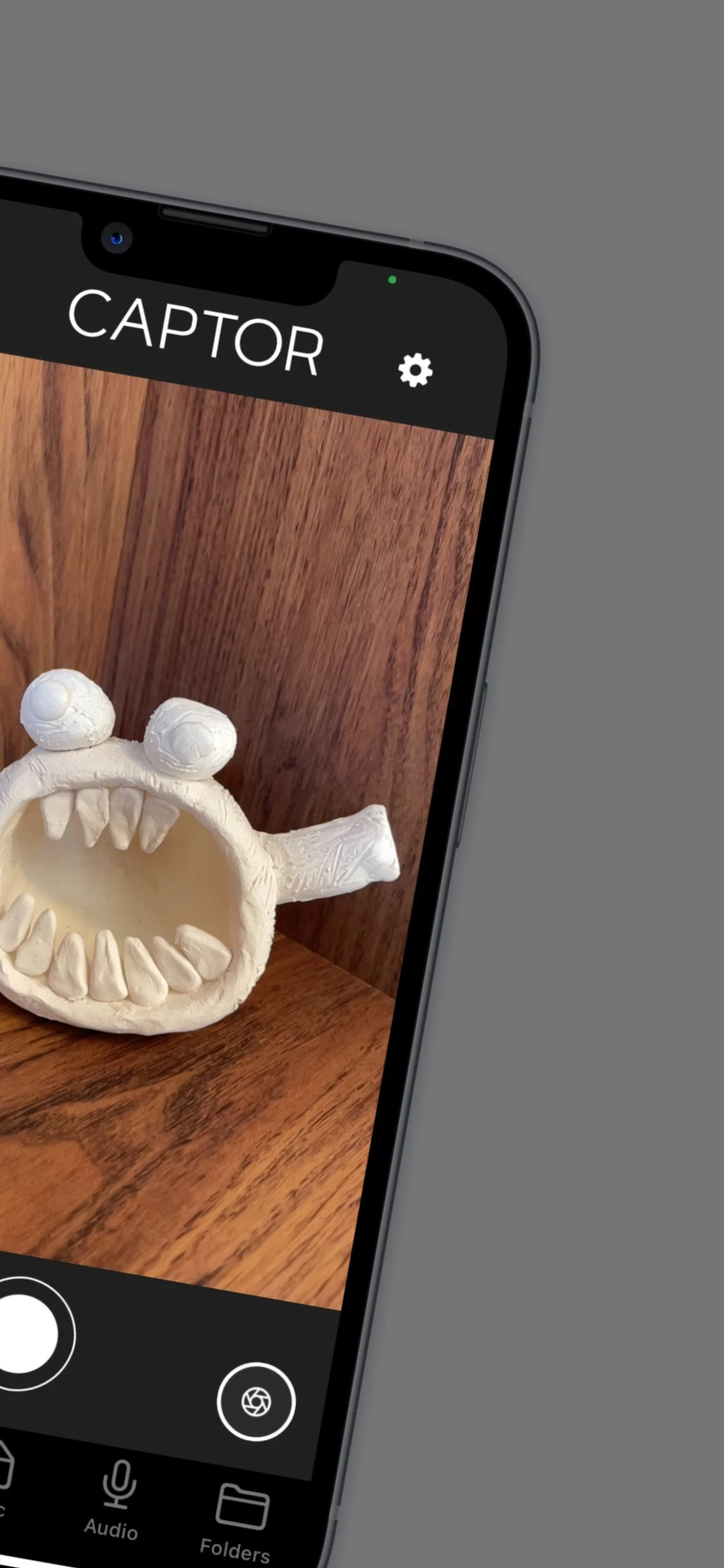
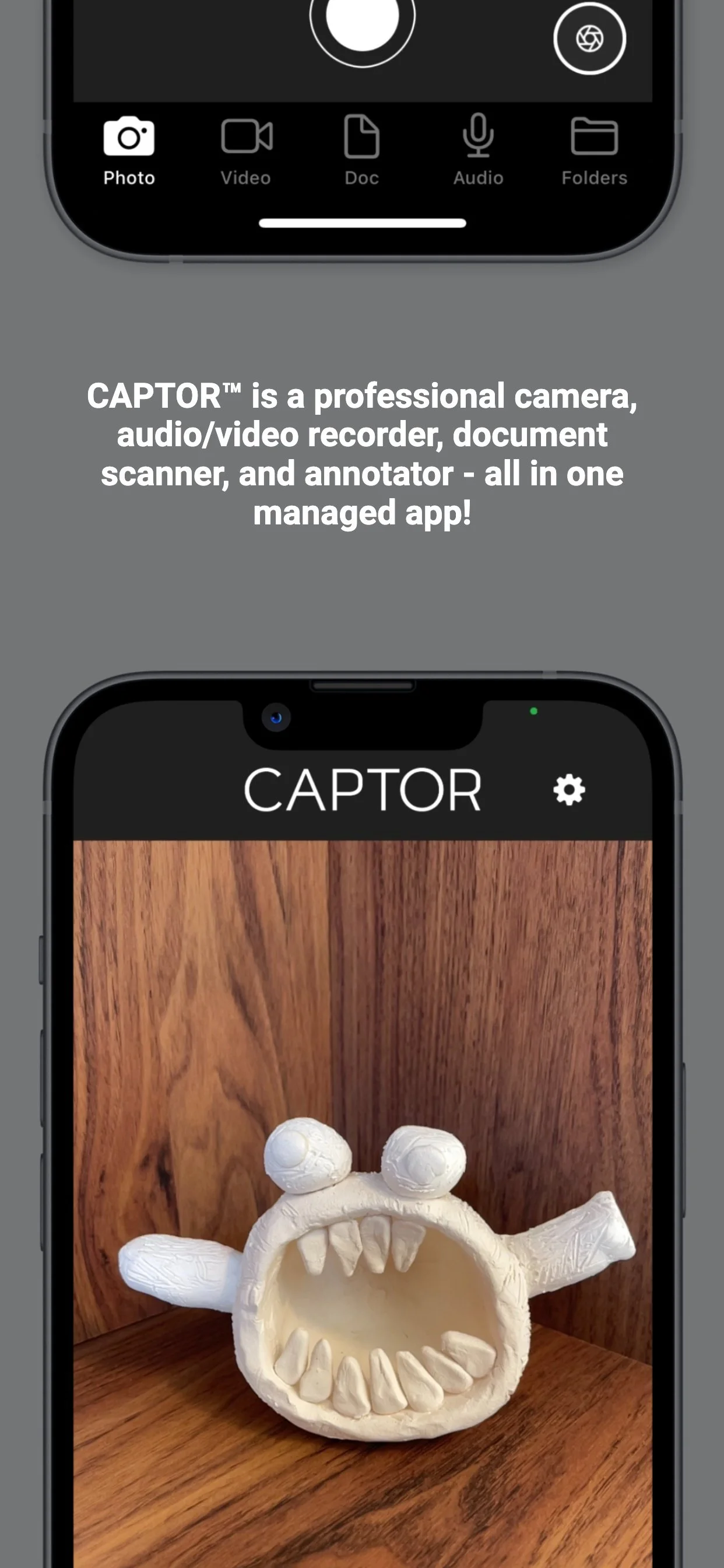
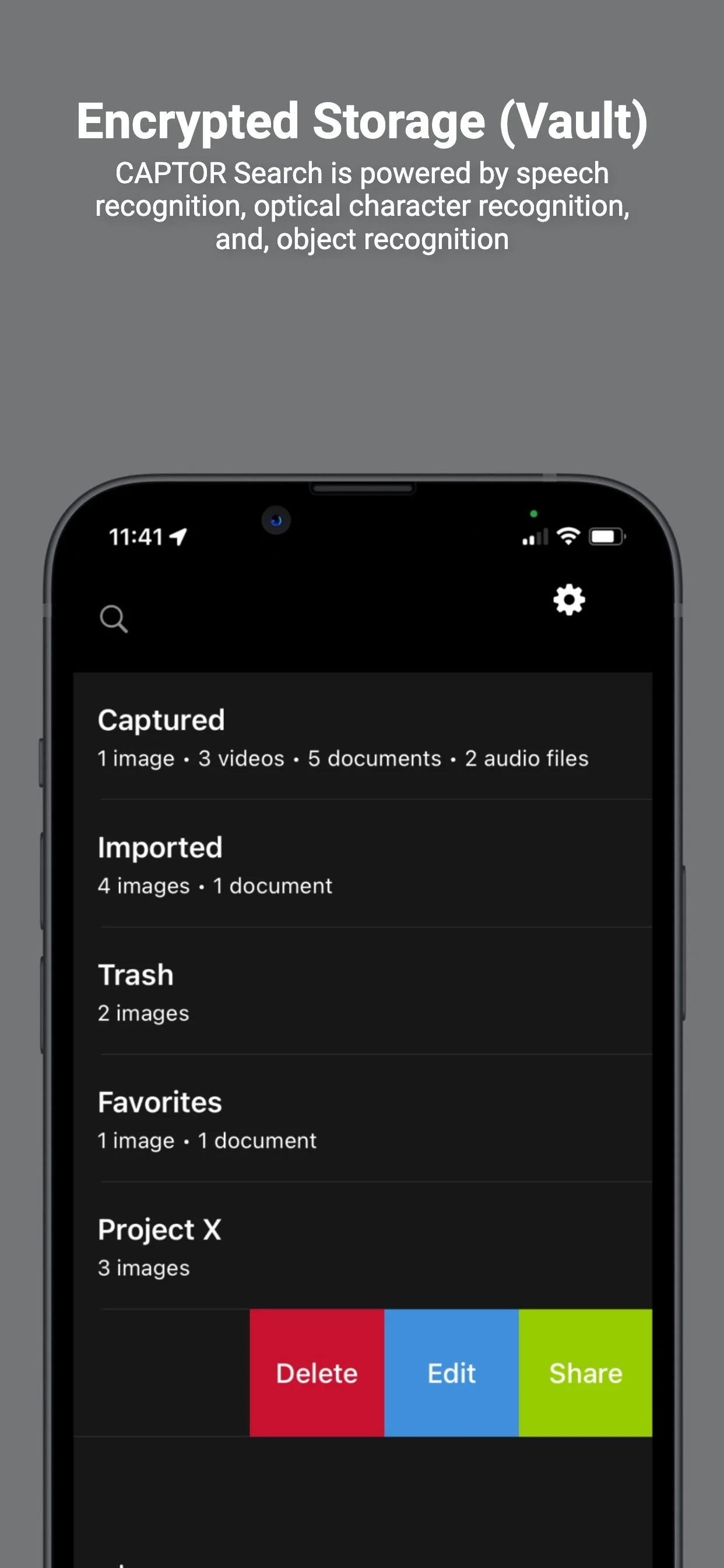
Capture, protect, and manage sensitive business-related photos, videos, audio, and documents with CAPTOR™ for Enterprise.
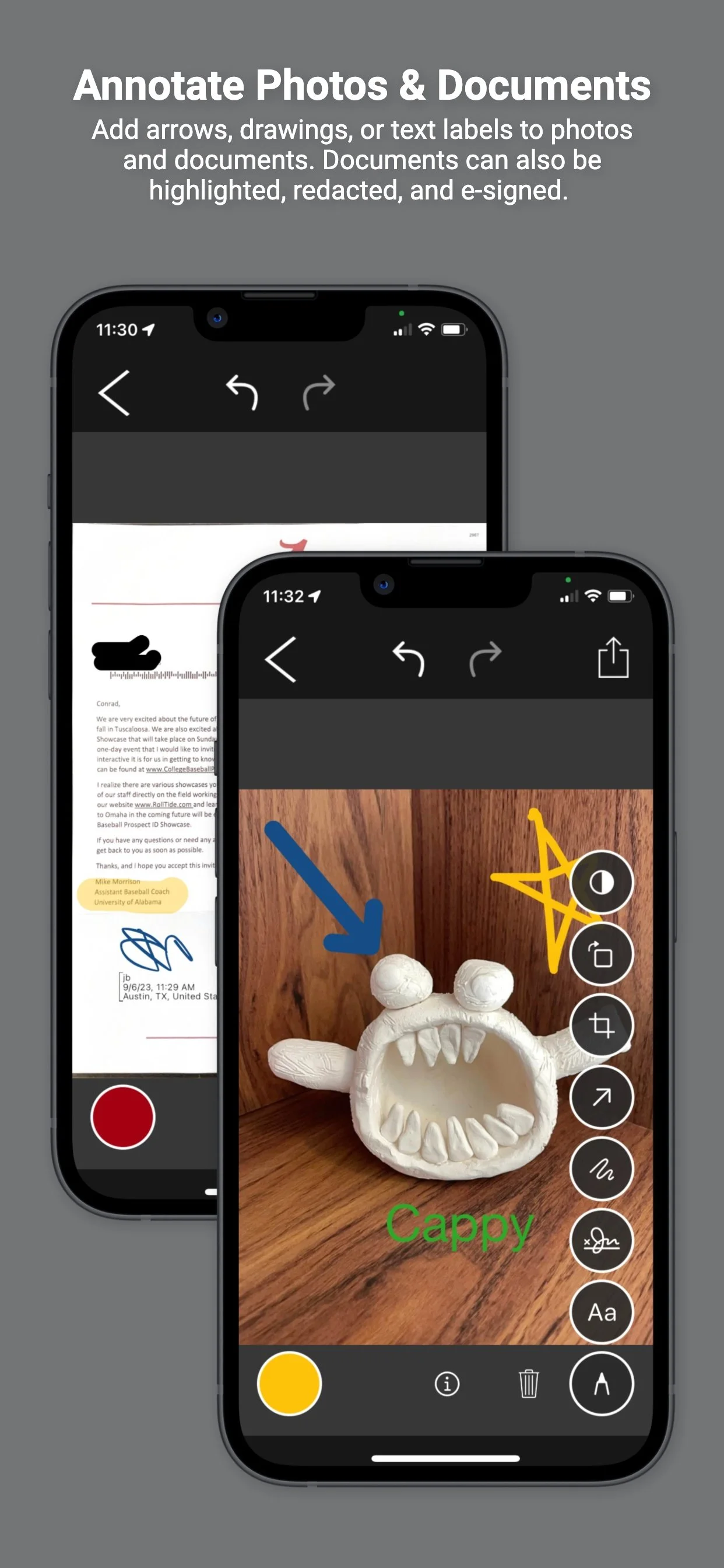
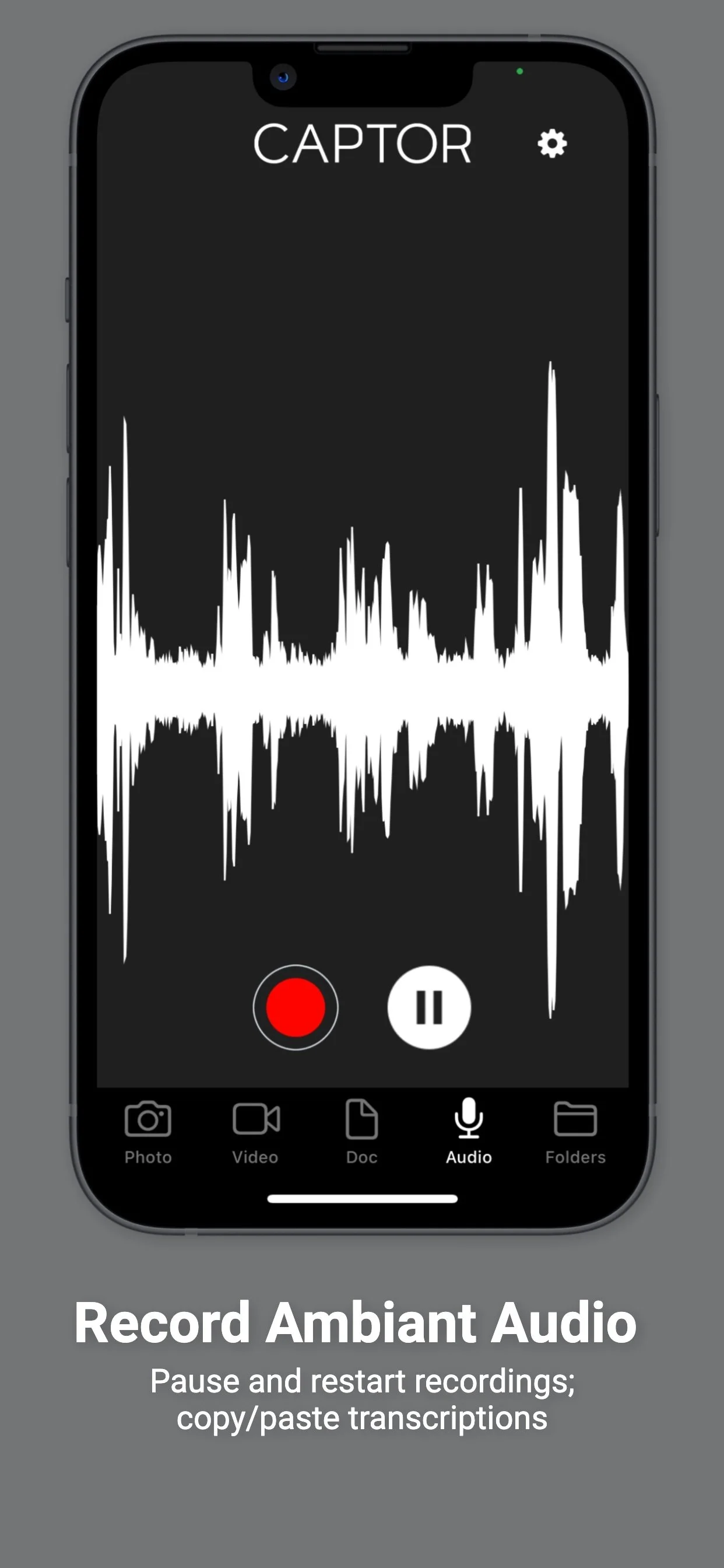
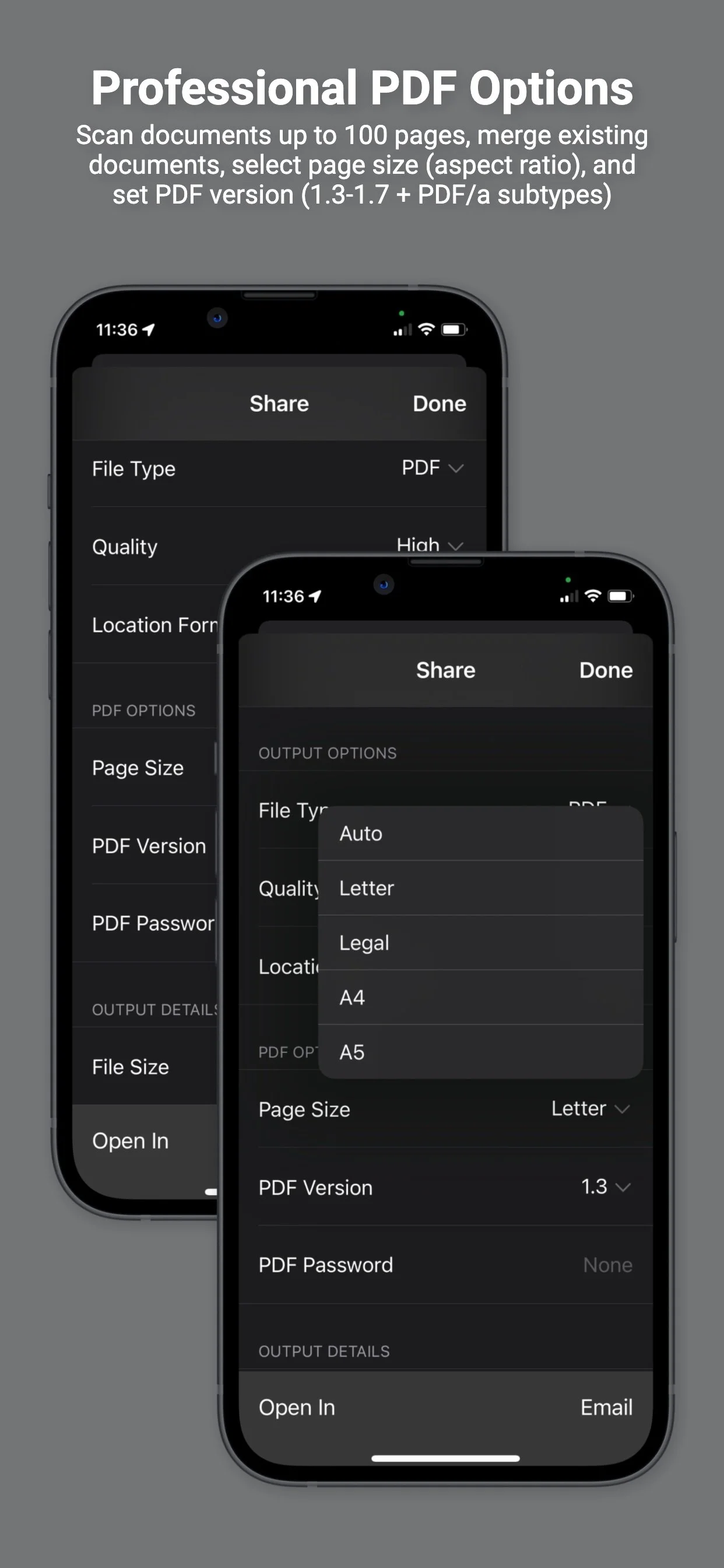
Globally recognized as the most secure app for capturing content for enterprise and specifically designed for BYOD and COPE programs, CAPTOR™ is available for businesses with an AppConfig-compatible EMM platform (review list of AppConfig partners). CAPTOR is an all-in-one solution for employees to take photos, record video or audio, scan QR codes, and scan paper documents to PDF.
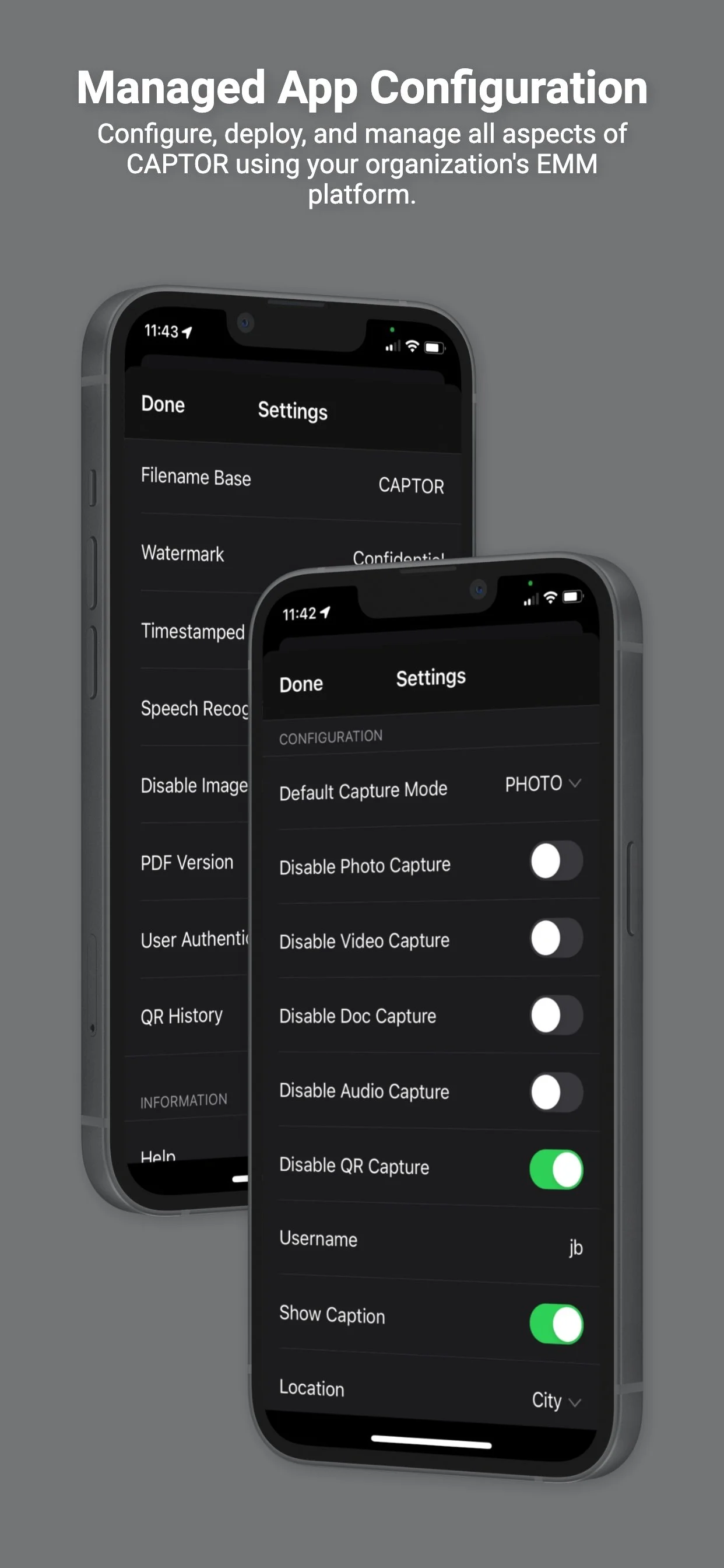
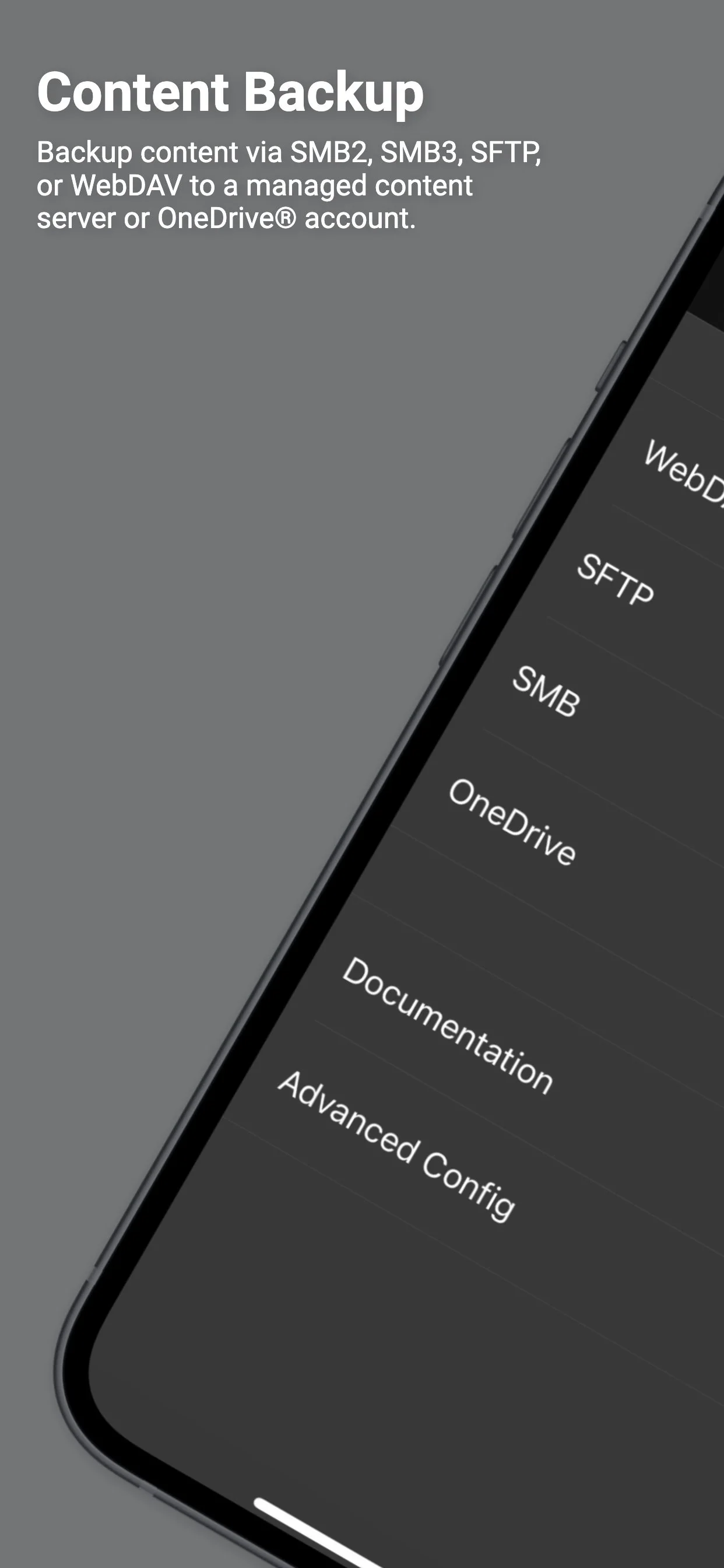
CAPTOR is part of the AppConfig Community and can be set up with granular controls that dictate how content is captured, managed, and shared. Your company can also set up a network drive and backup CAPTOR content to it using WebDAV, Microsoft OneDrive®, Microsoft SharePoint®, Google Drive, Nextcloud, PowerFolder, SFTP, or SMB - creating a private alternative to iCloud®.
To review the configuration key/value pairs that can be set to control CAPTOR for Enterprise (iOS) click here. For Android Enterprise deployments please click here. Instructions to set up the configuration varies - please consult your specific EMM documentation.