Content Search
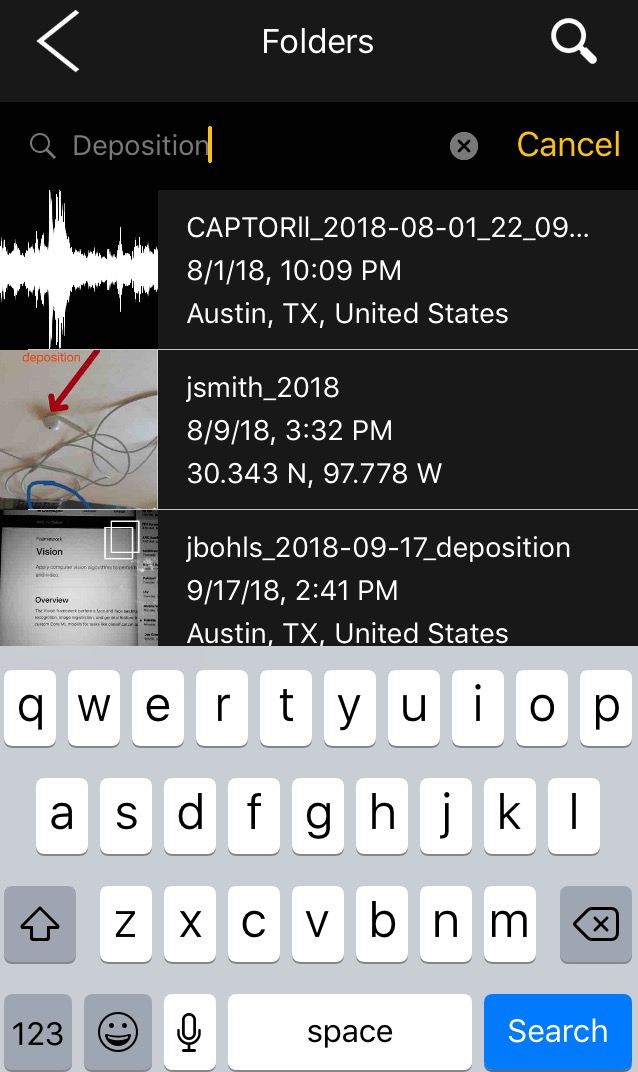
CAPTOR 3.1.7 introduces a new search tool to help you access content quicker. The search button is found on the main Folder screen (look for a magnifying glass icon). We wanted to make the CAPTOR search function comprehensive and simple at the same time.
From the main Folder screen, tap the magnifying glass, enter a keyword, and tap Search on the keyboard. The system is designed to search most of the textual information it has on your content. This includes the following data:
File Name
Text Label Annotations
Folder Name
Media Notes
As a reminder, Media Notes are found by opening any photo, video, or audio file and tapping on the “i” button. This displays the file name, user, time/date, location, and allows for a long note to be added as well. Go ahead and test it out!